

A good library catalog card template makes a personal collection feel intentional. Pick the right one and your shelves go from "stack of books" to "curated library." The good news: you do not need to design a card from scratch. There are several go-to styles that work for almost any home library, and you can produce a matching set of them with a free library catalog card template generator.
Want to make your own? Try the free generator
What Makes a Great Catalog Card Template?
Whether you are organizing fifty books or five thousand, a good template gets a few small things right:
- Readable typography at card size, not just on screen
- Consistent spacing for author, title, and call number
- A layout that prints cleanly on standard cardstock
- A look that fits the room your books live in
1. The Classic Typewriter Card
The most familiar style. Monospaced fonts, slightly uneven character weight, and an off-white card stock give you that warm, mid-century library feel. Best for cozy home libraries, vintage interiors, dark academia setups, and anyone who wants their shelf to feel a little like a quiet university reading room.
2. The Modern Serif Card
Cleaner lines, generous margins, and a refined serif typeface. This template works in modern apartments, minimalist studies, and rentals where you want the catalog to feel deliberate without going full vintage. Pair it with bright white cardstock for a fresh, contemporary feel.
3. The Minimal Sans-Serif Card
Stripped-down, geometric, and quietly stylish. A minimal sans template is the right choice for art books, design libraries, and creative studios where the bookshelf is part of the room's visual palette. Stick to two type sizes - one for the title, one for everything else.
4. The Junk Journal Card
A more textured option, often paired with a hand-stamped or worn paper feel. Junk journal cards are popular in scrapbooks, reading journals, and bookish crafts where the card is part of a larger spread. They look great with a little aging, a stamp, and a strip of washi tape.
5. The Classroom Library Card
Designed to be readable across a room. Clean Sans keeps the letters plain and clear, which suits a classroom library or a kid's reading corner at home. The generator does not print a check-out grid, so rule a small one on the back of each card by hand if you want the card to double as a check-out record.
How to Use a Template Without Reinventing It
Pick one template and use it consistently across your whole collection. Mixed styles look chaotic on a shelf or in a card box. Once you have chosen, the easiest way to produce a full set is with the free library catalog card template generator - enter each book's details, pick the matching style, and print on cream or white cardstock.
Will Your Template Handle a Long Book Title?
A style that looks lovely on Pride and Prejudice can struggle with a real-world title that runs to two lines and a subtitle. Before you commit to a template for a few hundred cards, run your longest book through it. Here is how the generator treats each part of the card, so nothing surprises you at the printer.
- Long titles. The title wraps onto as many lines as it needs. If it runs out of room, the card ends it with "..." instead of spilling off the edge. Vintage Typewriter is a monospaced face, so it takes more width per letter than Clean Sans and wraps sooner.
- Publication and physical description. Each of these is a single line, and the card does not shorten it. "London, 1813" is safe. A full publisher imprint can run past the right edge, so check the preview and trim it.
- Synopsis. It fills whatever room is left and ends in "..." when it is cut off. Show Hole Punch reserves extra space at the bottom, so switch it off for cards with longer notes.
- Background. Aged Paper and Textured Aged Paper are drawn into the image itself. Print them on cream cardstock and the tint stacks on top of the paper color. Clean White or Transparent lets the cardstock do the work.
Want one of the looks above? The generator has no template presets, only settings, so here is how to build each one:
- Classic Typewriter: Vintage Typewriter font with Aged Paper.
- Modern Serif: Modern Serif font with Clean White.
- Minimal Sans-Serif: Clean Sans font with Clean White.
- Junk Journal: Vintage Typewriter with Textured Aged Paper, or Transparent if you plan to layer the card over your own page.
- Classroom Library: Clean Sans on Clean White. There is no built-in check-out grid, so rule one by hand after printing.
Keep a worst-case card in your first batch, the one with the longest title and the longest publication line. If that card looks right in the preview, the rest of the shelf will too.
Helpful supplies for printable catalog cards
Some links on this page are affiliate links. If you purchase through them, we may earn a small commission at no extra cost to you.
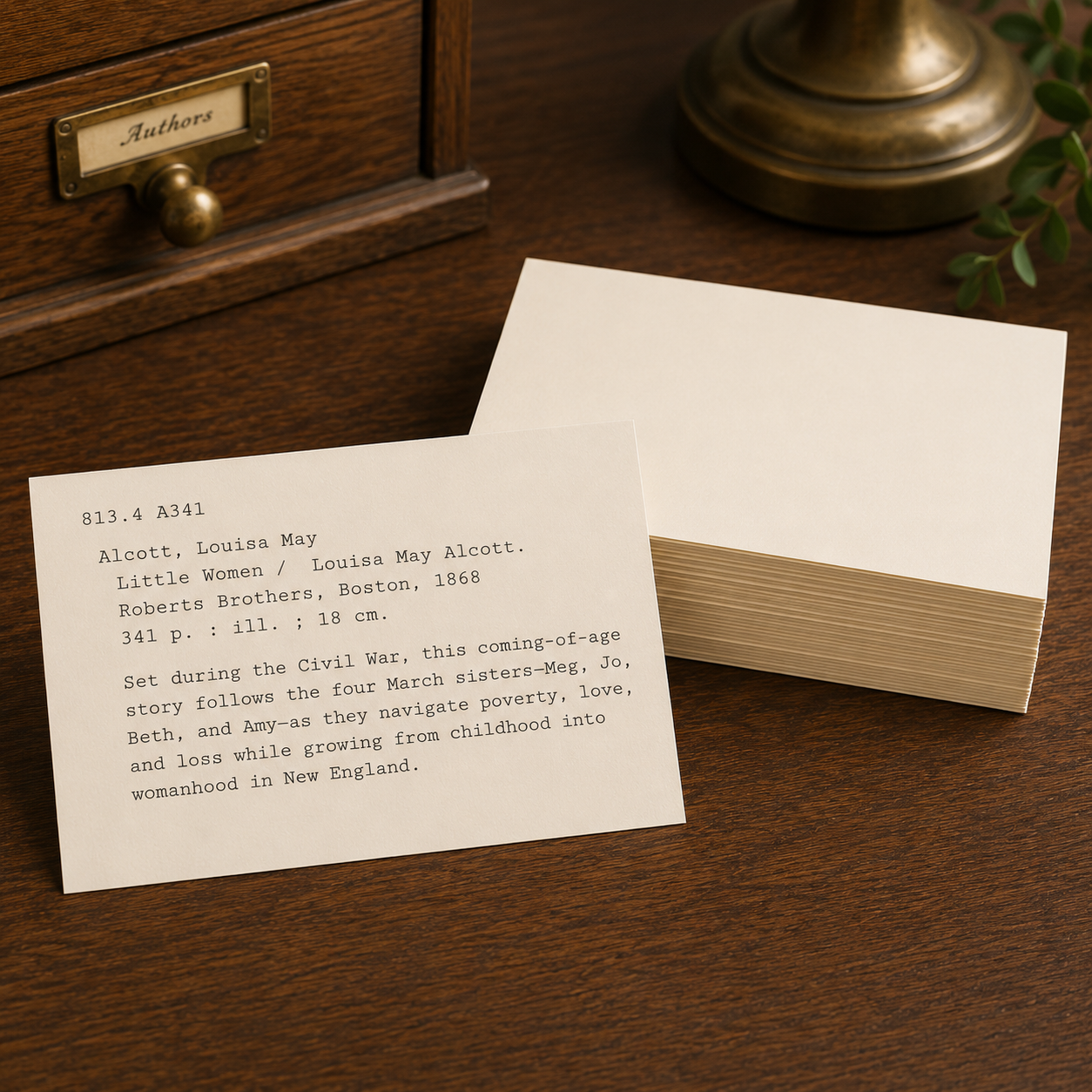
Heavy blank cards for printing catalog cards with a warm vintage look.

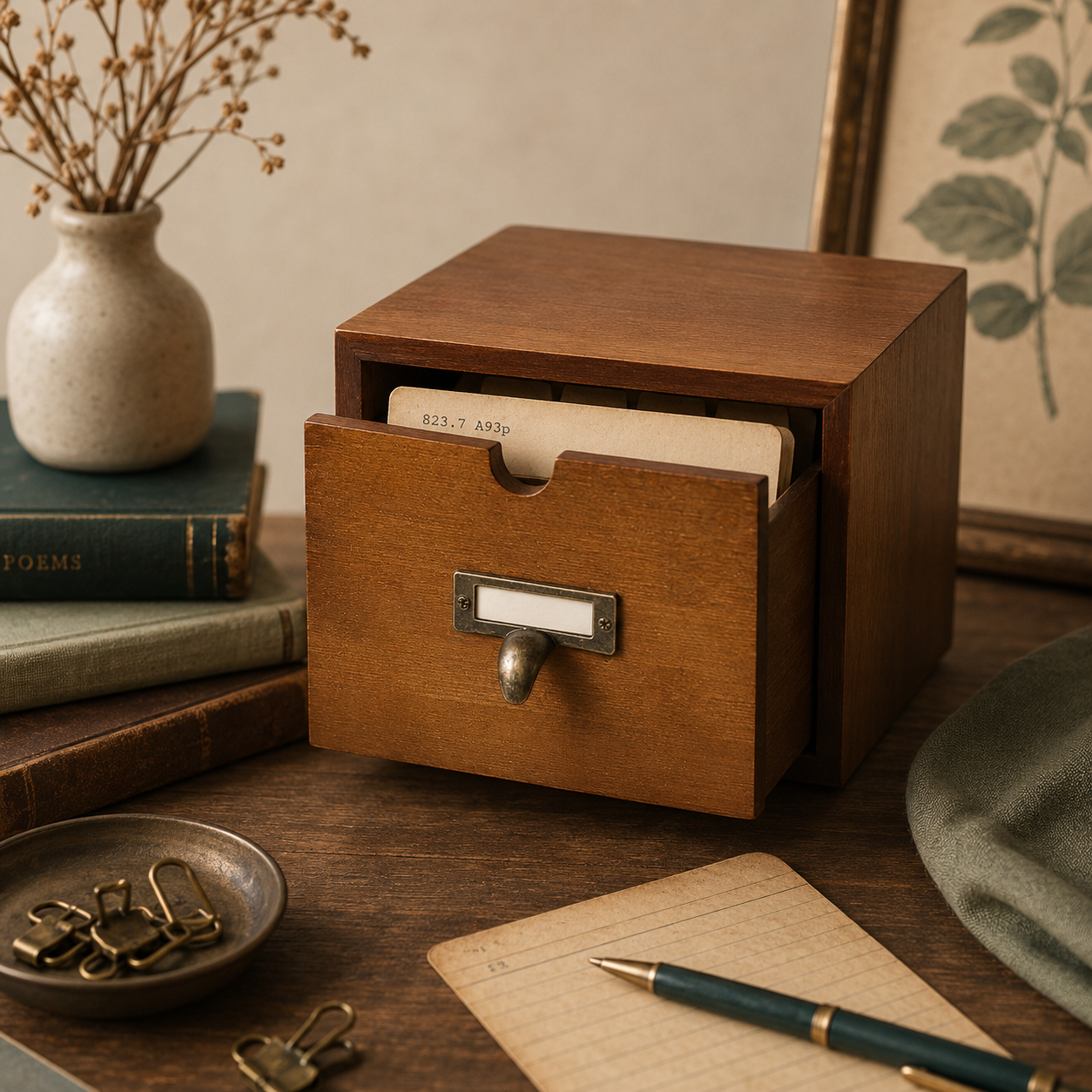
Wooden card catalog drawer with dividers for storing printed catalog cards.
Find your template
Try the free library catalog card template generator and see all the styles in one place.
Open the generator