
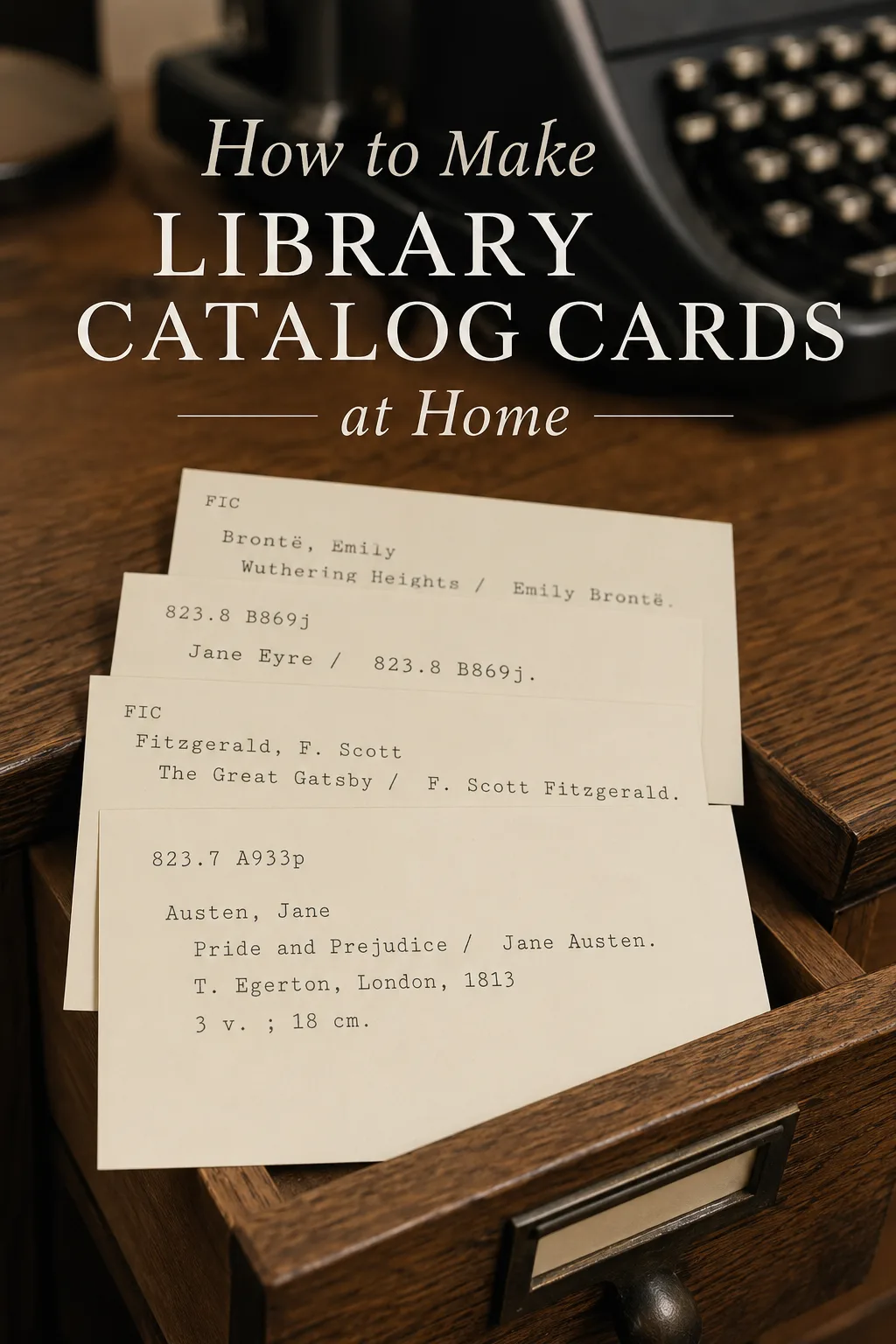
There is something undeniably charming about a real library card. A printed catalog card adds a level of detail no spreadsheet can match, and it works without an app, an account, or a screen. The good news is that you do not need a librarian's training or fancy software to make one. With a free library card creator, you can turn any book into a printable card in just a few minutes.
Want to make your own? Try the free generator
Why Make Your Own Library Cards?
Cards are a small but powerful way to bring order to a personal collection. They give you a way to:
- See your books at a glance without opening an app
- Track what you own, lend, or want to read
- Add a vintage, tactile feel to a home library or reading nook
- Create a gift, journal page, or scrapbook keepsake
Step 1: Gather Your Book Details
Before opening any tool, jot down the basics for the books you want to catalog. The most useful fields are author (last name first), title, publisher and year, page count, a short summary, and a call number or shelf code. You do not need every field for every book - pick the ones that match how you actually use your collection.
Step 2: Open a Free Library Card Creator
The fastest path is a free library card creator like Card Catalog Generator. You type your details into a simple form, and the tool formats them into a clean, printable card layout. No installs, no template wrangling, and no design skills required.
Step 3: Choose a Style That Fits the Vibe
Different rooms call for different cards. A few combinations that work well:
- Vintage typewriter on cream stock for a cozy library look
- Clean serif on bright white for a modern home office
- Bold sans-serif for a classroom or kid's reading corner
- Hand-stamped style for a junk journal or scrapbook
Pick one style and stay consistent. Mixed styles look messy across a shelf or in a card box.
Step 4: Print and Trim
Most home printers handle cardstock between 65 and 110 lb. Run a single test sheet first, check the size against an actual book, then print the full batch. A guillotine trimmer or a craft knife with a metal ruler gives you the cleanest edges.
Step 5: Organize the Stack
Once your cards are printed, store them in an index card box, a vintage drawer, or a divided binder. Sort them by author, genre, or date acquired - whichever you reach for most. Add a divider tab every twenty-five cards so you can flip through quickly, and leave space at the back of each section for new entries. For a closer look at sorting systems, see our guide on organizing a home library by genre, author, or series.
Not sure what to put on the card itself? Our guide on how to make a library catalog card breaks down the fields worth including.
Make a Card in Under a Minute
You do not need a librarian's training to put together a beautiful catalog card. A few minutes with a library card creator gives you a printable card you can use, gift, or display - one book at a time, or for an entire shelf.
Helpful supplies for printable catalog cards
Some links on this page are affiliate links. If you purchase through them, we may earn a small commission at no extra cost to you.
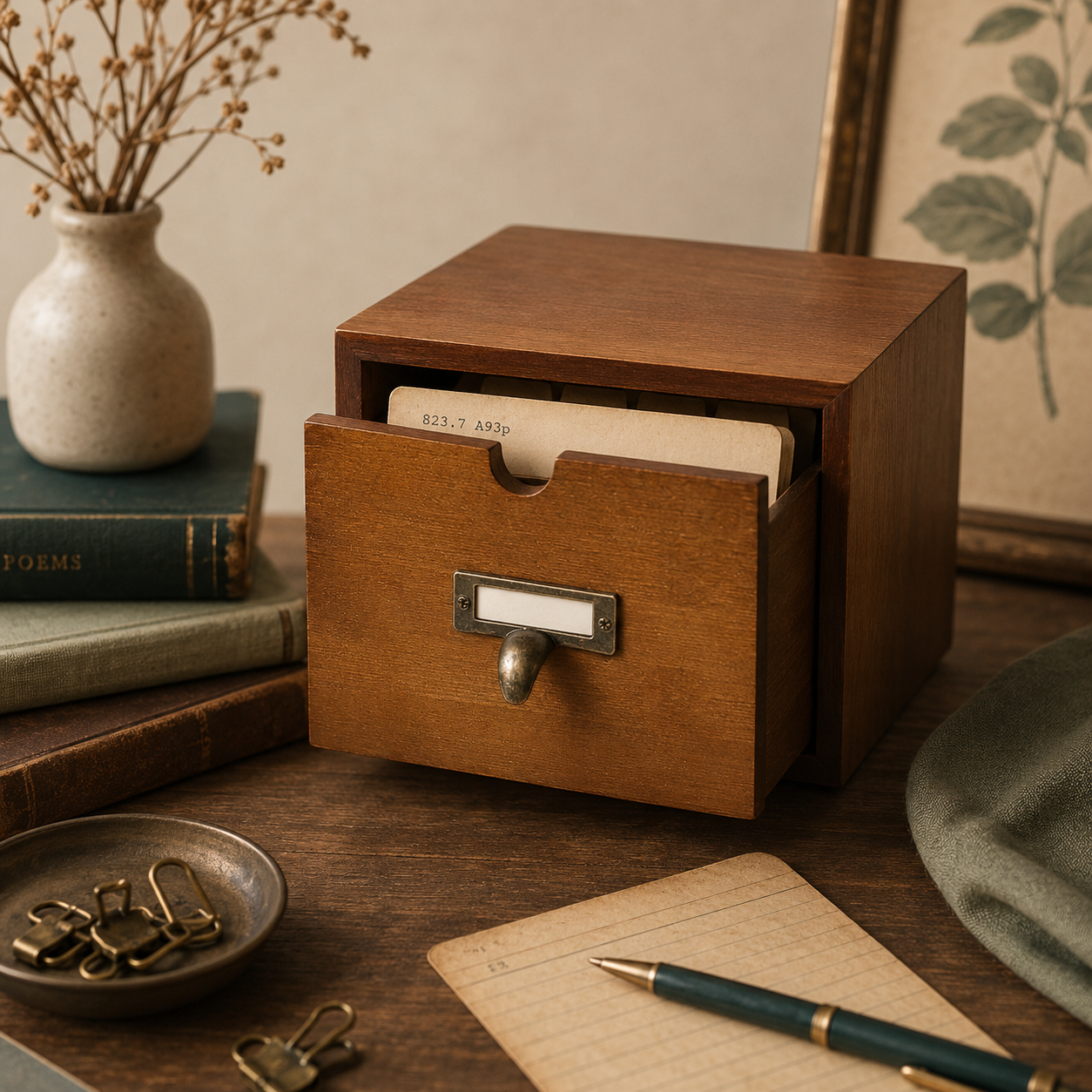
Wooden card catalog drawer with dividers for storing printed catalog cards.

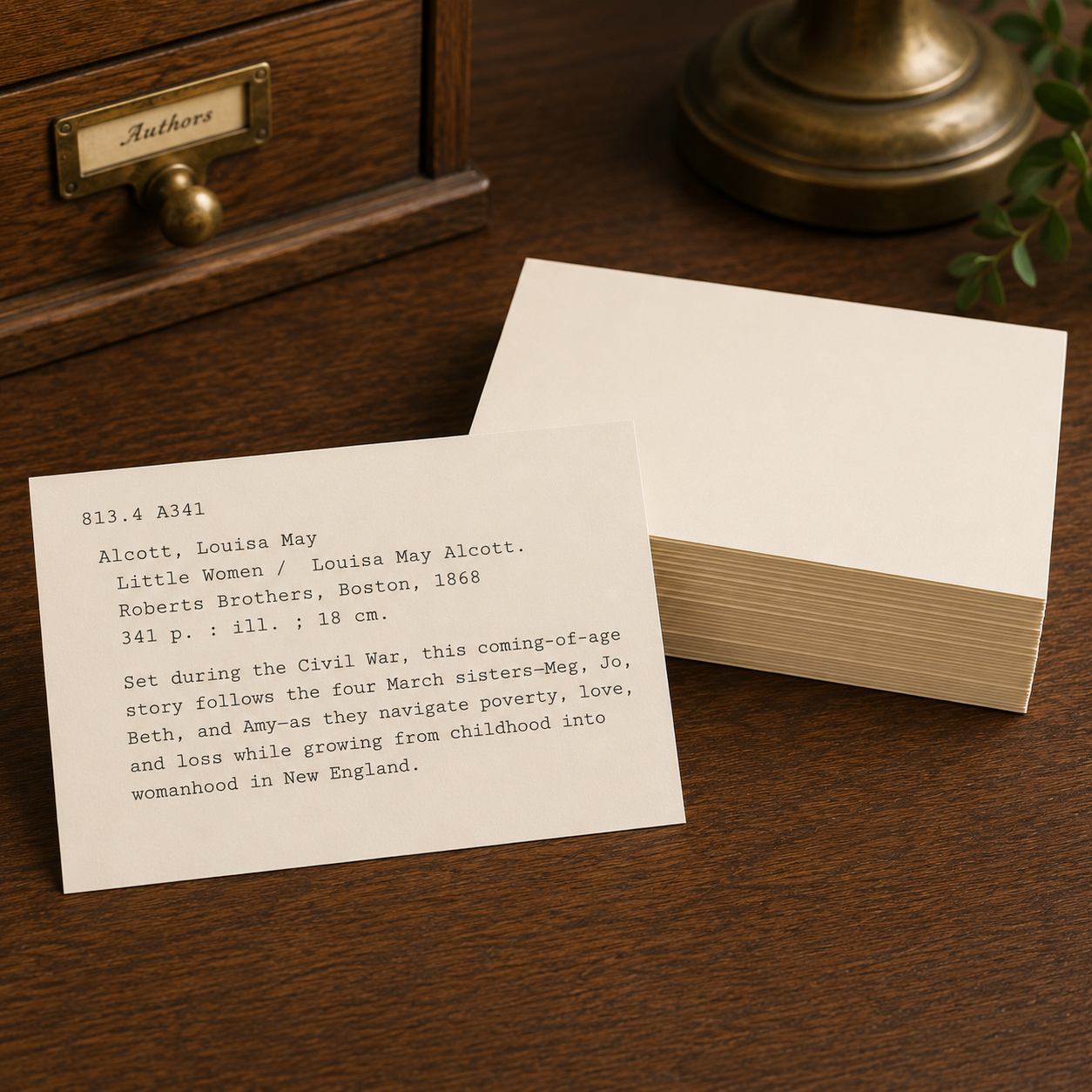
Heavy blank cards for printing catalog cards with a warm vintage look.
Ready to make one?
Open the free library card creator and turn your first book into a printed catalog card.
Open the generator