
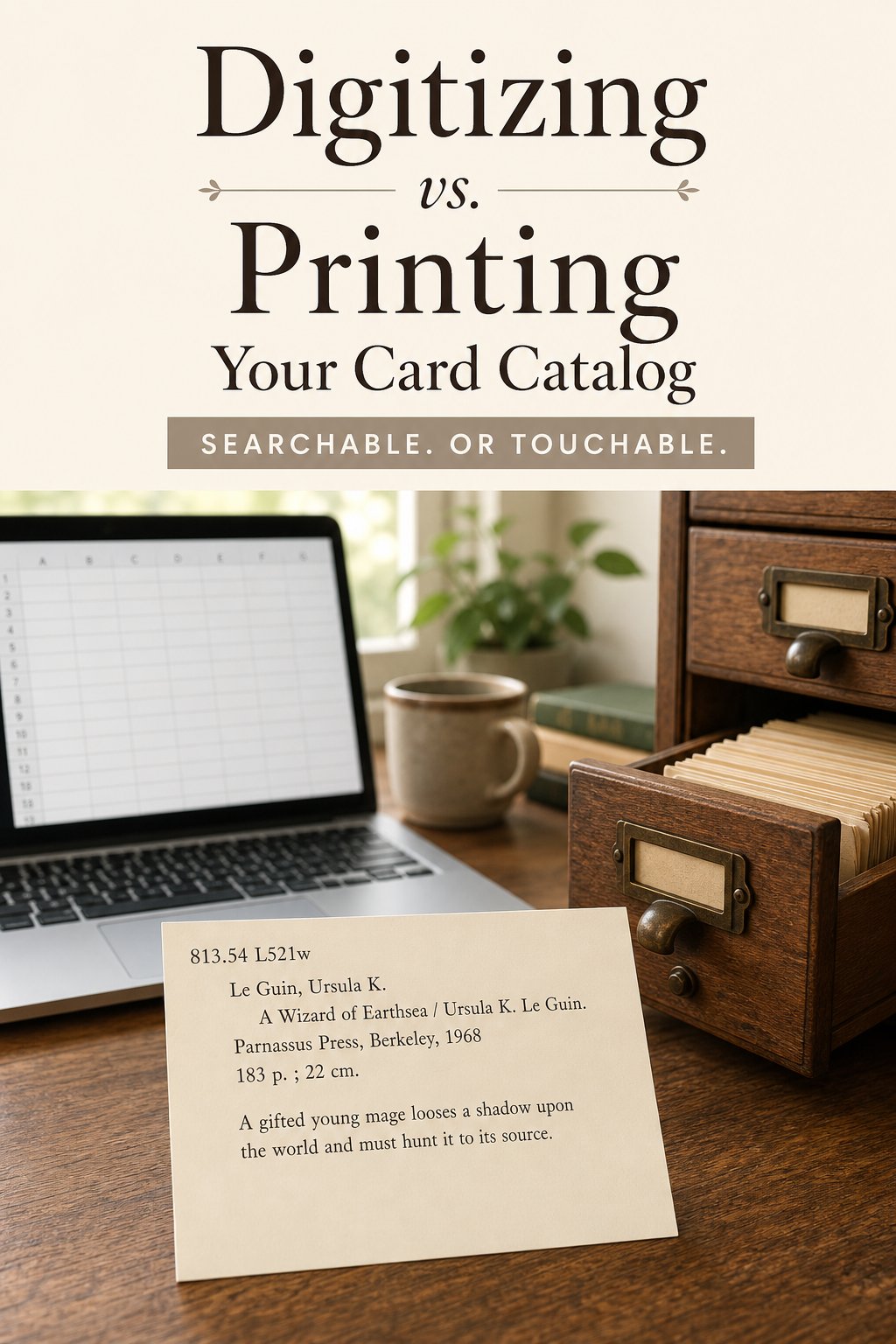
Anyone starting a home library catalog eventually hits the same fork in the road: keep it digital in a spreadsheet or an app, or keep it printed in a card box you can actually flip through. Both work. Both have failure modes. The right answer depends less on which is "better" in the abstract and more on how you actually behave, because the best catalog system is the one you keep using six months from now, not the one that looked cleanest on day one.
Want to make your own? Try the free generator
How Do You Actually Use Your Library?
Before comparing features, it helps to be honest about your own habits. Do you tend to finish projects you start, or do enthusiasm-fueled systems quietly stall out after a few weeks in your house? Do you check your phone constantly throughout the day, or do you tend to forget apps exist once the initial novelty wears off? Neither answer is wrong, but it should steer your choice more than any feature comparison will. The best catalog system is boringly simple: it's whichever one survives contact with your actual routine.
The Case for Digital
A digital catalog, whether it's a spreadsheet, a dedicated cataloging app, or a barcode scanner tool, is searchable in ways paper can never match. Type "Le Guin" and every book by her shows up instantly, sorted however you like, filterable by genre, year, or read status. Digital catalogs also back themselves up. If your house floods or a box goes missing in a move, a spreadsheet stored in the cloud survives without a second thought.
Digital catalogs shine for very large collections too. Past a few hundred books, flipping through physical cards to find one specific title starts to feel slower than it needs to be, and a searchable spreadsheet closes that gap without effort. If you also want to track lending across a wide circle of friends, or you want data you can sort and analyze, like your ratio of fiction to nonfiction over the past year, digital tools do that far more easily than paper ever will.
The Case for Printed Cards
The honest downside of digital catalogs is that most people stop maintaining them. A spreadsheet is easy to build and painfully easy to abandon, because there's no friction that reminds you it exists. A card box sitting on your desk, by contrast, is a physical object you see and touch. That visibility alone is a big part of why printed systems tend to survive longer than their digital counterparts for personal, non-professional collections.
Printed cards also do something a spreadsheet can't: they turn cataloging into an activity people enjoy rather than a chore. Filling out a card by hand, choosing the wording for a note about where a book came from, flipping through a drawer to see your whole reading history laid out physically, these things have a satisfaction to them that a data entry form doesn't. For book clubs, classrooms, and kids learning to organize, that tactile quality tends to matter more than raw search speed.
Where Does Each System Fall Short?
Digital catalogs fail quietly. An app gets discontinued, a spreadsheet gets buried in a folder you forget about, a login gets lost. None of that announces itself the way a missing card does. Printed catalogs fail loudly but recoverably: a card gets misfiled or a box goes missing, and you notice right away, and you can usually rebuild it from the books themselves in an afternoon.
Printed catalogs also don't scale gracefully. A thousand-book collection in a card box becomes genuinely unwieldy to search by hand, even with good dividers. And digital catalogs have a learning curve, however small, that keeps some people from ever finishing the setup. Neither system is free of tradeoffs, which is exactly why most serious collectors end up doing both.
A Hybrid System That Actually Works
The simplest hybrid: keep the printed cards as your primary, day-to-day system, the thing you touch when a book arrives or leaves, and keep a lightweight digital backup that you update in batches rather than constantly. Once a month, or once a season, sit down with the card box and transcribe new entries into a spreadsheet. You get the tactile, sustainable habit of printed cards plus a searchable backup that protects the collection if anything happens to the physical box.
This also solves the scale problem. Use printed cards as your working system for the books you interact with regularly, current reads, recent arrivals, books out on loan, while your digital spreadsheet holds the full historical archive for search and backup. You get speed where you need it and durability where it counts.
Photographing Cards as a Lightweight Backup
If a full spreadsheet feels like more upkeep than you want, there's a middle option that takes almost no ongoing effort: photograph each card with your phone as you file it, and drop the photos into a dated folder in whatever cloud storage you already use. It isn't searchable the way a spreadsheet is, but it's a real backup of every card's contents, and it takes seconds per book rather than the minutes a full data entry pass requires. For collectors who want insurance against loss without committing to a second full system, this is often the right amount of effort.
What Actually Gets Lost When You Go All-Digital
It's worth naming honestly what an all-digital catalog gives up, beyond the tactile pleasure people usually mention first. A spreadsheet has no natural browsing motion. You search for what you already know you're looking for, but you rarely stumble across a book you'd forgotten you owned the way you do flipping through a physical box. That kind of accidental rediscovery, finding a novel you meant to reread two years ago, tends to happen with paper and rarely happens with a search bar. If serendipity matters to how you use your library, that's a real cost of going fully digital, not just a sentimental one.
What Actually Gets Lost When You Go All-Print
The flip side deserves the same honesty. A fully printed system with no digital backup at all is genuinely vulnerable to a single bad event: a flood, a fire, a move where a box gets left behind. If your collection has real financial or sentimental value, first editions, signed copies, books that would be painful or expensive to reconstruct from memory, an all-paper system without any backup is a real risk, not just an inconvenience. Even a rough phone-photo backup closes most of that gap for very little effort.
Should You Digitize or Print Your Card Catalog?
If you're still unsure, start printed. It's the lower-commitment choice, since a stack of cards costs almost nothing to begin and you can always digitize later if your collection outgrows the box. Going the other direction, abandoning a half-built spreadsheet to start a card catalog from scratch, tends to feel like more of a loss, even though the actual work involved is similar either way. Use the free catalog card generator for the physical half of this system, since a clean, consistent template makes the periodic transcription to digital faster too. There is no wrong choice here, only the one that matches how you'll actually keep it up.
Helpful supplies for a printed catalog
Some links on this page are affiliate links. If you purchase through them, we may earn a small commission at no extra cost to you.
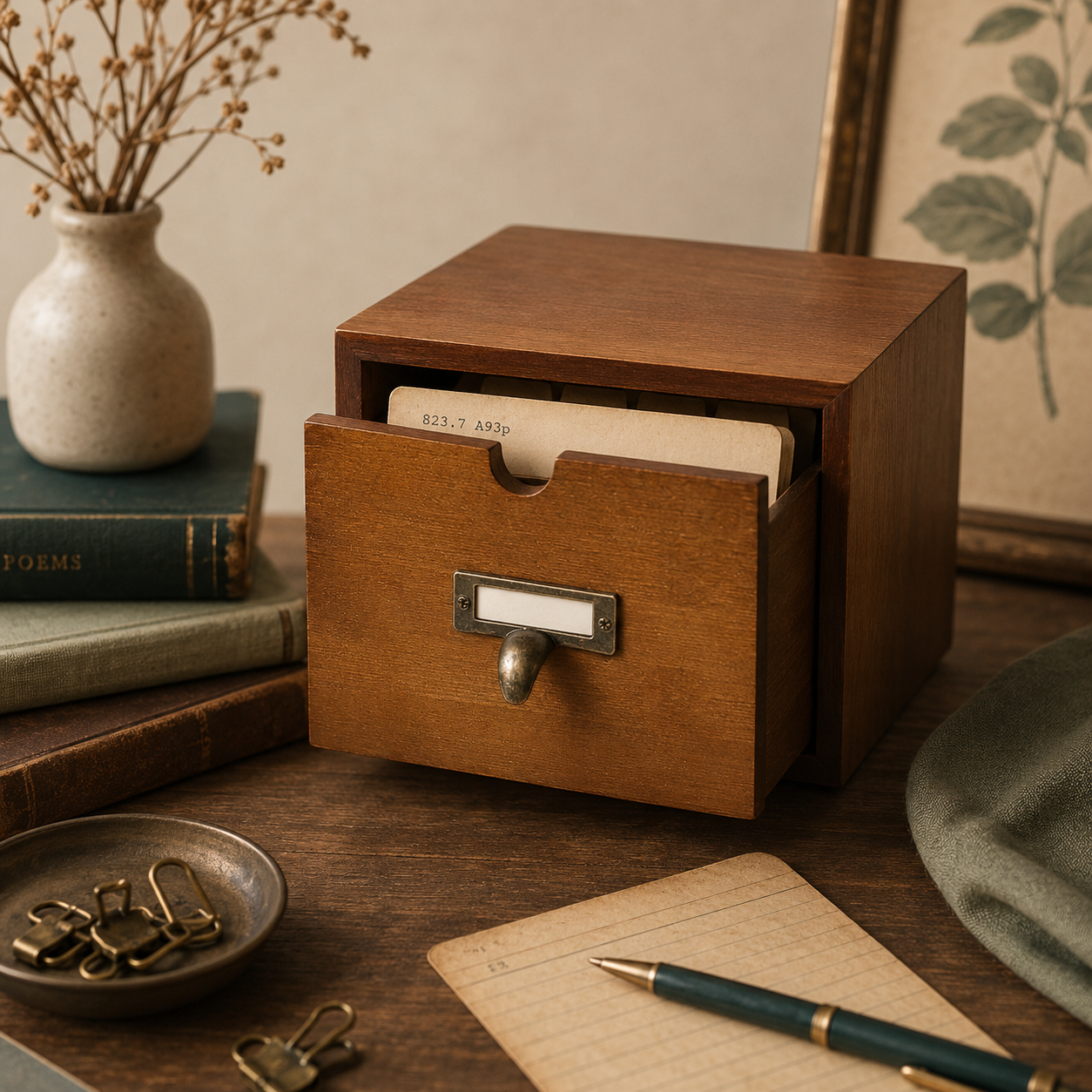
Wooden card catalog drawer with dividers for a printed, primary catalog.

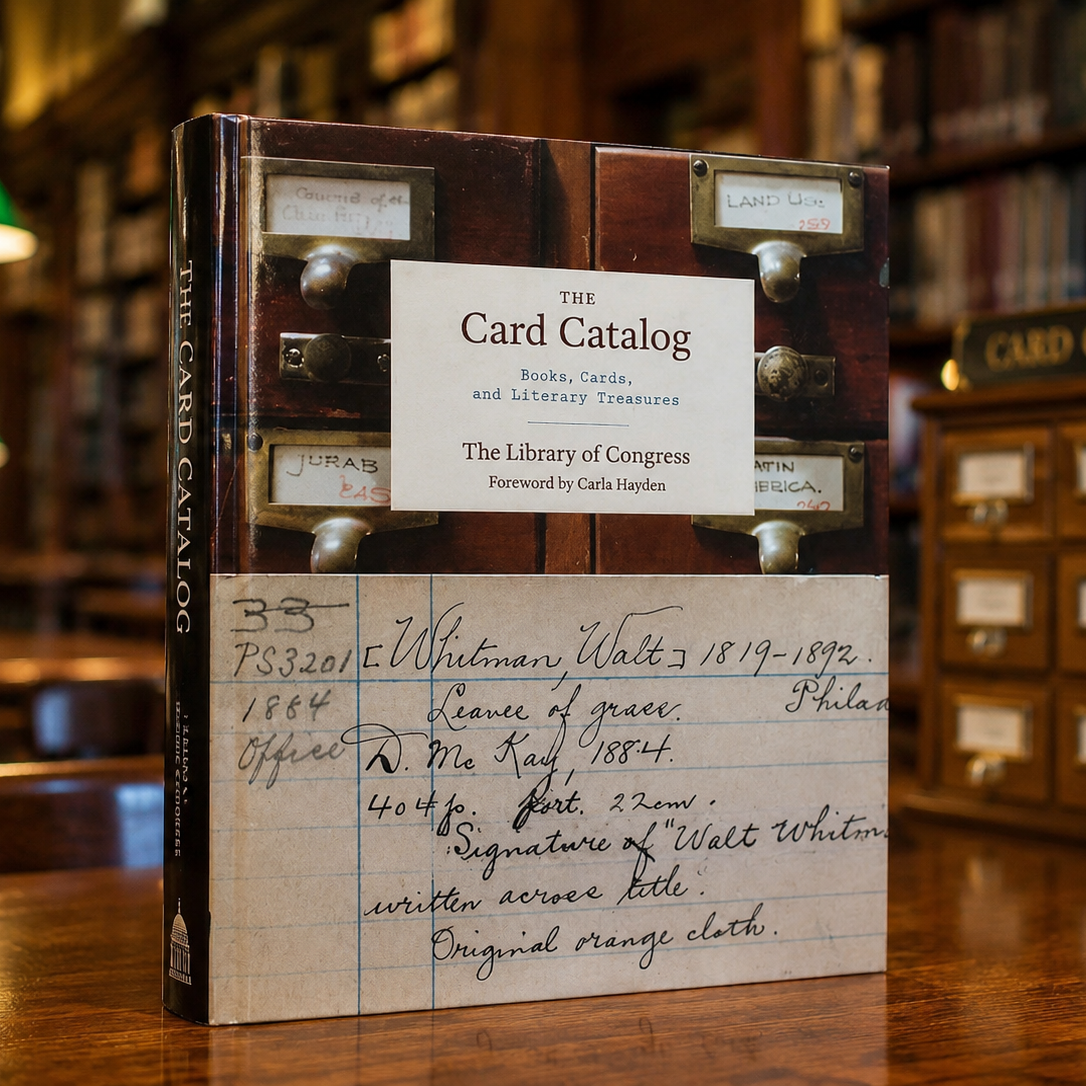
A handsome Library of Congress book for anyone weighing paper against digital.
Ready to start your catalog?
Generate printable library catalog cards for your home library, no matter how you back it up.
Open the generator