
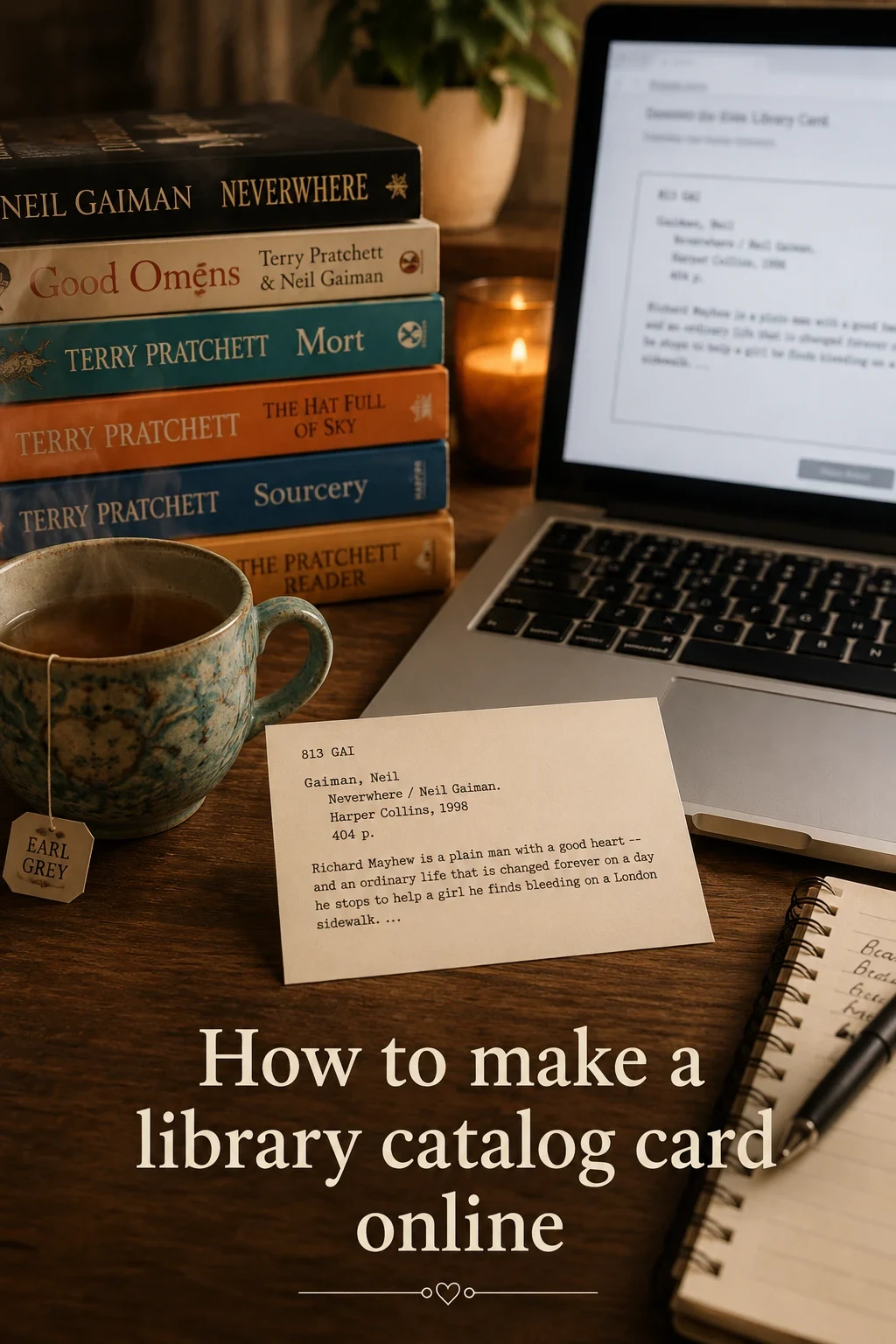
A library catalog card is a compact record for a book. Traditional cards usually include the author, title, publication details, physical description, subject notes, and a call number or shelf location. If you are making cards for a home library, classroom, scrapbook, or prop project, you can keep the same classic structure without needing a full library database.
Want to make your own? Try the free generator
What to Put on a Library Catalog Card
Start with the information someone would need to identify and find the book. The most useful fields are:
- Call number, shelf code, or entry number
- Author name, usually formatted as last name, first name
- Book title and subtitle
- Publisher, city, and year
- Page count or physical description
- Short notes, summary, genre, or subject terms
How to Create a Printable Card
- Open the free library catalog card generator.
- Enter the book details you want on the card.
- Choose a style, such as vintage typewriter, modern serif, or clean sans.
- Pick a card size for printing or saving.
- Download the finished catalog card as a PNG or PDF.
When to Use a Catalog Card Template
A library catalog card template is helpful when you want consistent cards across a collection. Teachers can use them for classroom libraries, readers can use them in journals, and makers can use them for book-themed displays or gifts. The generator gives you a repeatable layout without needing to design each card from scratch.
Tips for Better-Looking Cards
Keep titles readable, shorten long summaries, and use the same style across related cards. For a more authentic look, try a typewriter-style font and print on ivory or cream card stock.
Helpful supplies for printable catalog cards
Some links on this page are affiliate links. If you purchase through them, we may earn a small commission at no extra cost to you.

Wooden card catalog drawer with dividers for storing printed catalog cards.

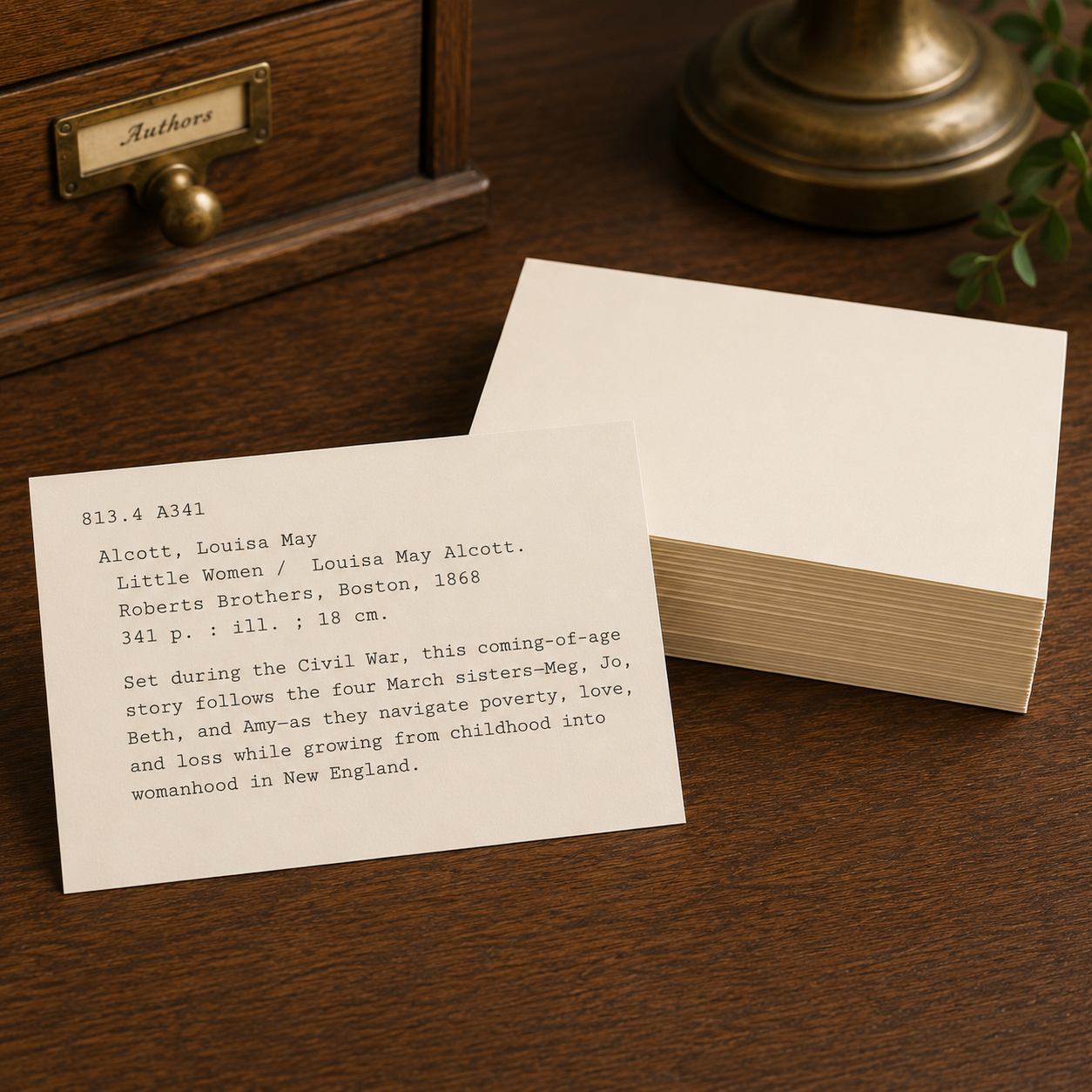
Heavy blank cards for printing catalog cards with a warm vintage look.
Ready to make one?
Create your own printable card with the free library card creator.
Open the generator