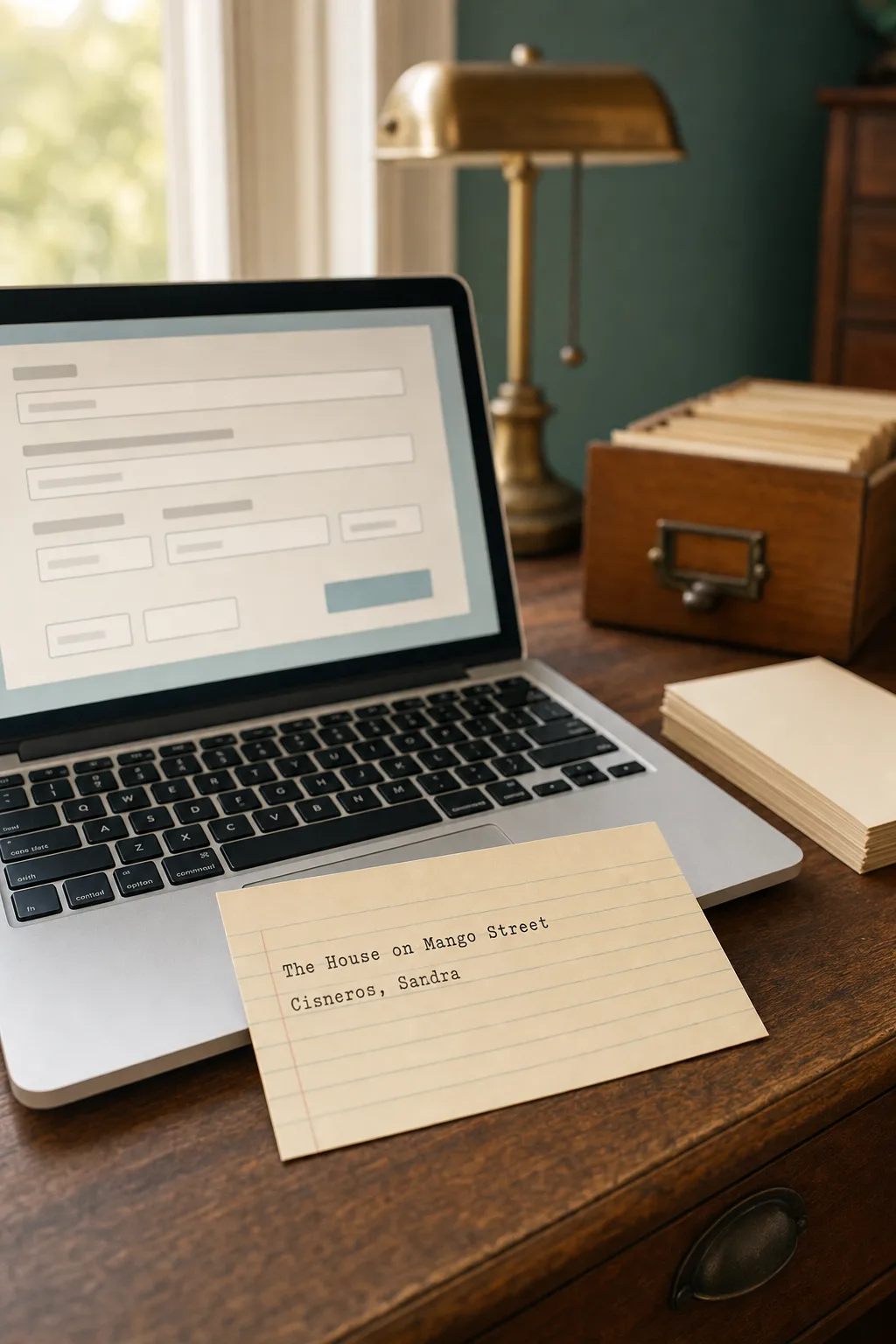
Search "library card creator" and you will land on a mix of results: browser tools, downloadable templates, and step-by-step tutorials for building a card by hand. This page is about the first kind - the actual tool. A library card creator is software, usually free and running right in your browser, that turns a book's title, author, and call number into a printed catalog card without any design software or library training. If you want the hands-on version instead - printing, trimming, and assembling cards yourself - our step-by-step guide walks through that process instead.
Want to make your own? Try the free generator
What a Library Card Creator Actually Does
At its core, a library card creator is a form. You type in the fields a real catalog card would carry - title, author, call number, a short note if you want one - and the tool lays them out in a clean, properly spaced card design. The good ones handle the fussy parts automatically: consistent margins, a matching font across every card you make, and a card number in the corner so nothing looks unfinished. Click download, and you get a print-ready image or PDF sized for standard cardstock.
What Should You Look for in a Free Library Card Creator?
Not every tool that calls itself a "card generator" is worth your five minutes. A few things separate the useful ones from the clunky ones:
- No account required - you should be making a card within seconds of landing on the page, not filling out a signup form
- More than one card style - at minimum a vintage typewriter look and a clean modern one
- A real export - a high-resolution PNG or PDF you can actually print, not a low-quality screenshot
- Room for a note - a subject line or short note field, so the card can carry more than the bare bibliographic facts
Vintage or Modern: Picking a Card Style
Most library card creators offer at least two directions. A vintage style leans on typewriter-style type, cream cardstock tones, and the slightly imperfect alignment of a card someone actually typed on a manual machine decades ago. A modern style uses a clean serif or sans-serif font on crisp white, closer to what you would see on a library's current system. Neither is more "correct" than the other. Pick vintage for a keepsake, a gift, or a home library that leans nostalgic. Pick modern if the cards need to look sharp in a classroom or alongside a tidy, minimalist shelf. If you want to see the full range side by side before you commit, our roundup of card templates lays out several styles at once.
Do You Need Design Experience to Use One?
No. A well-built library card creator does the layout work for you, which is the entire point of the tool. You are filling in fields, not laying out a page from scratch. The free library card creator on this site follows exactly that pattern: type in your book details, pick a style, and download. The only decision that takes any real thought is which style fits the project, and that is a taste call, not a design skill.
Where a Library Card Creator Fits Into a Bigger Project
A single card is a nice keepsake, but most people who reach for a library card creator are starting something bigger - a home library, a classroom system, a book club archive. Once you are past your first card, two questions come up fast: how do you keep numbers consistent across a growing collection, and how do you keep the whole thing organized once you are past a shelf's worth of books. Our card number guide and our guide to organizing a home library with catalog cards both pick up right where a single printed card leaves off.
Helpful supplies for printable catalog cards
Some links on this page are affiliate links. If you purchase through them, we may earn a small commission at no extra cost to you.
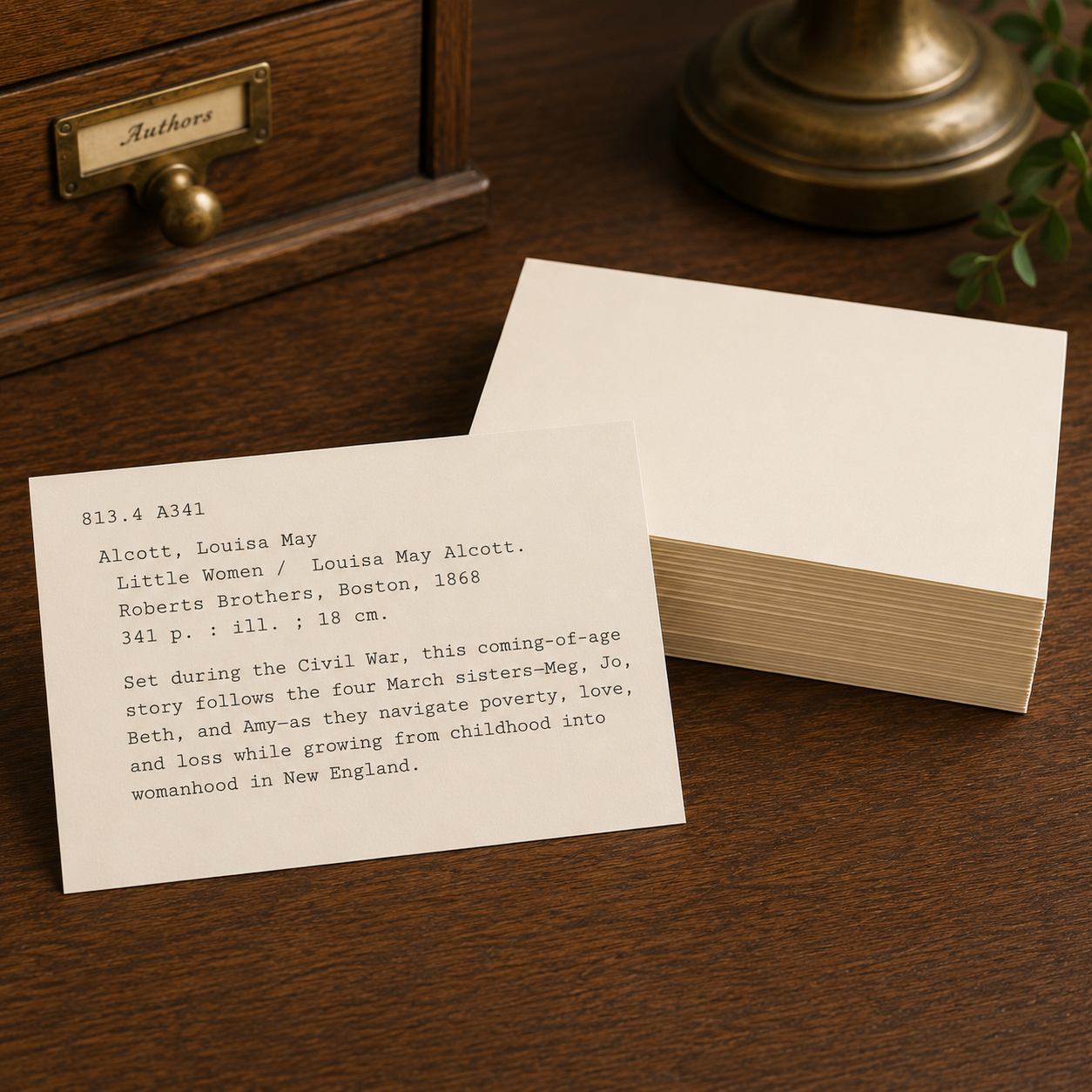
Heavy blank cards for printing catalog cards with a warm vintage look.

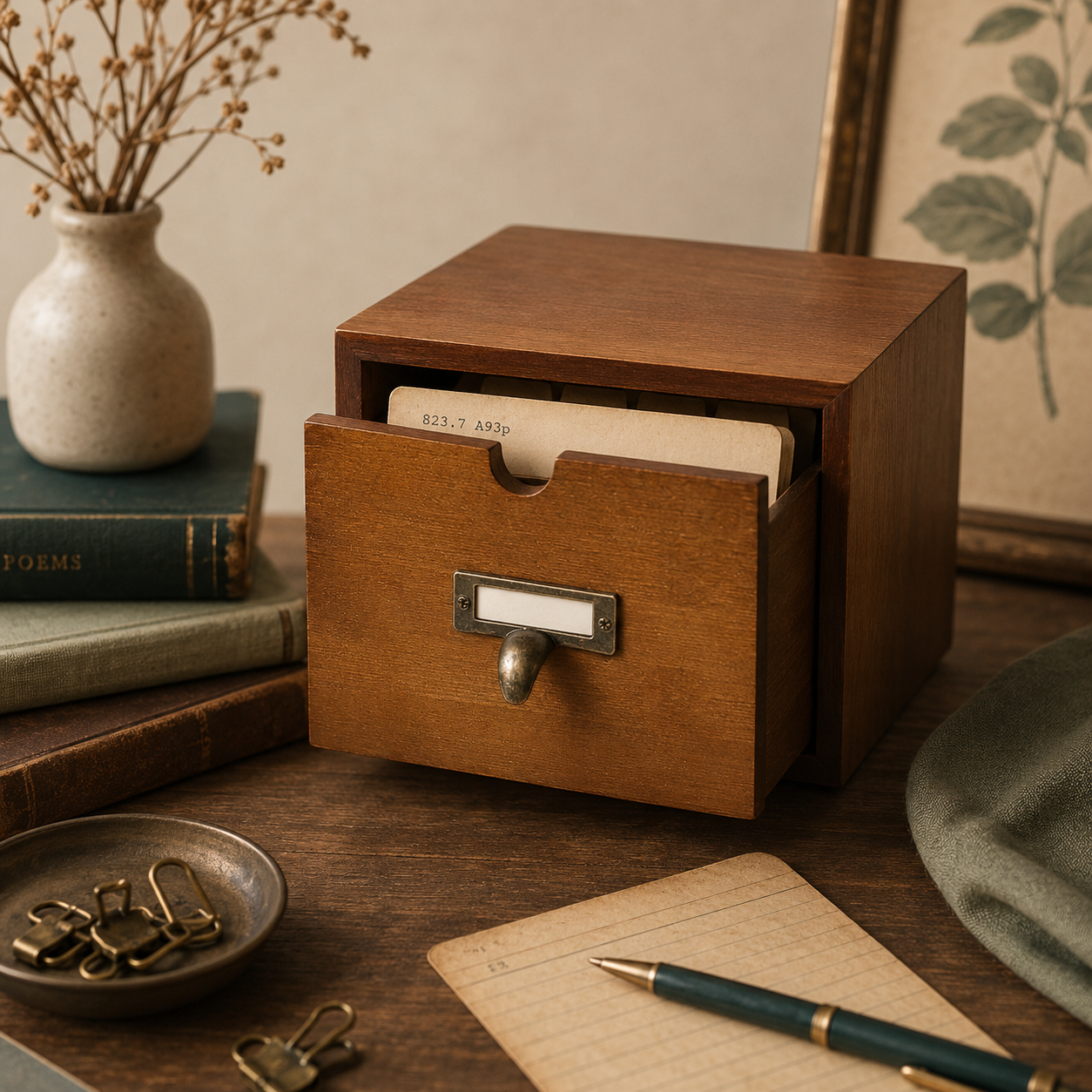
Wooden card catalog drawer with dividers for storing printed catalog cards.
Make your first card
Use the free library card creator to turn any book into a printable catalog card in under a minute.
Open the generator